
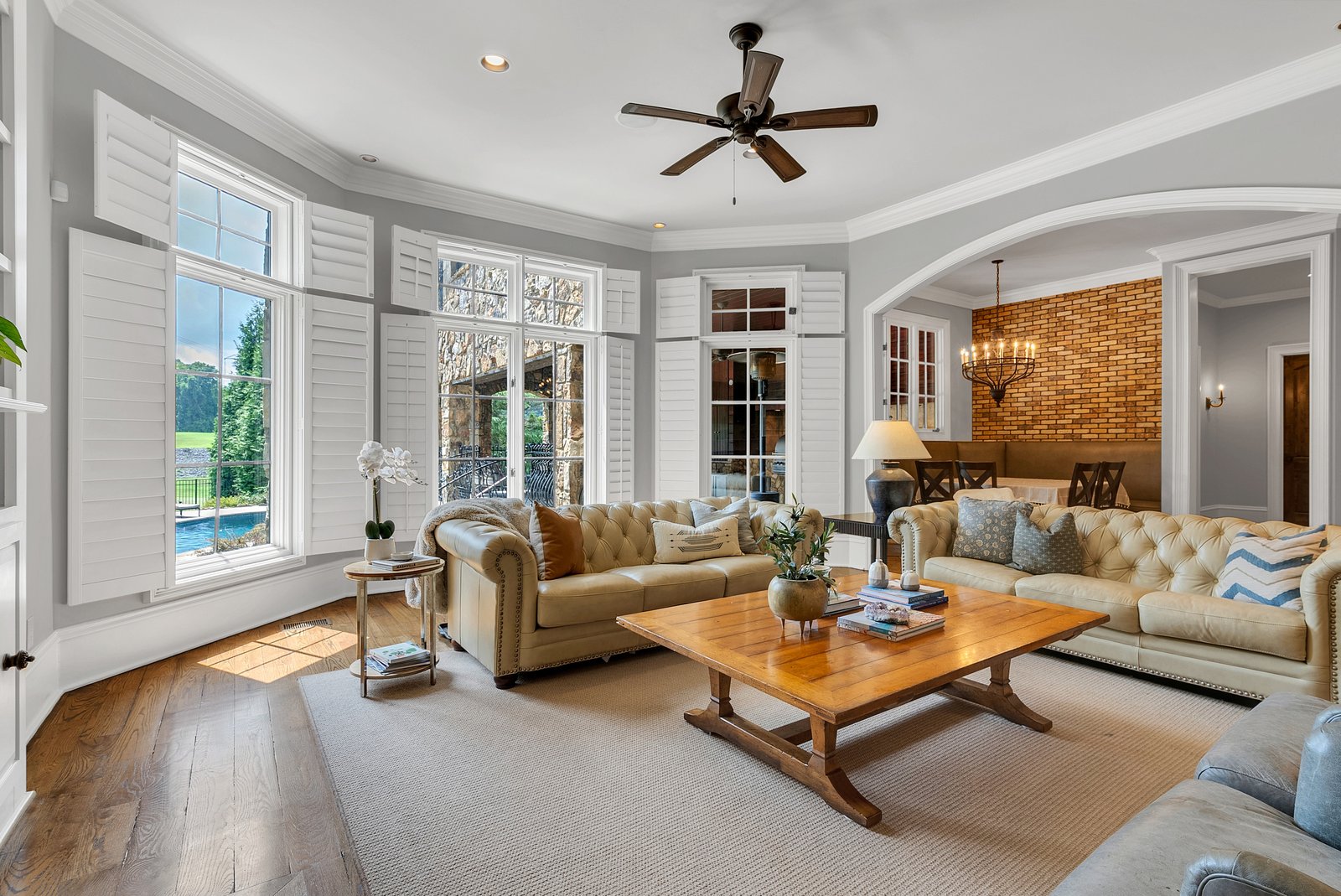
You don’t need a camera bag to shoot a decent listing. The phone in your pocket has a wide lens, solid dynamic range, and computational tricks that would have cost thousands a few years ago. For everyday listings, iPhone real estate photography is genuinely good enough, as long as you avoid a few traps. Here’s how to get the most out of it.
Clean the Lens First. Every Time.
This is the whole ballgame for phone photography, so it leads the list. Your phone lives in your pocket and your hand, and the lens collects a film of oil and fingerprints all day. You won’t see it on the screen, but it makes every photo hazy and flat.
Wipe the lens with your shirt or a cloth before every room. It costs two seconds and it’s the biggest single improvement you can make to phone listing photos. If you do nothing else here, do this.
Use the Widest Lens and Stand Back
Modern phones have multiple lenses. Tap to the 0.5x or ultra-wide option for interiors so you capture the whole room. But don’t get too close to the walls, because the ultra-wide distorts at the edges and bends straight lines. Back into a corner, frame two walls, and you get the spacious look without the warp.
Hold the phone at chest height, not eye level, and keep it level so the verticals stay straight. Most phones have a built-in level (turn on grid lines in the camera settings) that makes this easy.
Lock Your Exposure and Focus
The phone’s auto-exposure gets confused by bright windows; it’ll darken the whole room to save the view, leaving the interior gloomy. Fix it by tapping the screen on the part of the room you want correctly lit, then dragging the little sun slider up or down to set the brightness manually. On iPhone you can press and hold to lock that exposure so it doesn’t jump around as you reframe.
Turn on every light in the house first, shoot during the day, and let the windows help. The core lighting and composition tips all apply to the phone exactly the same.
The Apps Worth Using
The stock camera is fine for capturing, but a couple of apps level it up:
- A manual camera app lets you control exposure and shoot in a format that holds more detail for editing.
- An editing app handles the finishing: straightening, brightening, and fixing color. We cover the workflow in real estate photo editing, and it’s the same whether the photo came from a phone or a camera.
Keep the edits honest. Brightening and straightening are fine; faking what a room actually looks like is not.
When to Step Up to a Camera
The phone has limits. In dim rooms it gets noisy, the ultra-wide distortion is harder to avoid, and you can’t match the dynamic range or the clean, wide look of a real lens. If listings become a regular part of your business, a wide-angle lens and a basic camera are the natural next step.
Photos Get the Click. Video Gets Remembered.
Here’s the move most agents miss: once your photos are solid, the thing that actually makes you memorable is video. A short, well-shot walkthrough or a quick agent intro does more for your personal brand than another set of stills, and your phone can shoot the first draft of that too.
If you’re a Nashville agent ready to stand out with a real brand video, get in touch and we’ll make you look like the professional you are.
A phone will get you further than most agents expect. When a listing deserves better, we shoot it properly.